Free trade audit
Find your leaks
Find your leaks
in 30 seconds.
Drop your broker’s export. The journal’s own checks price every bad habit, right here in your browser.
Drop your trades file here
or · CSV, MetaTrader .htm or .xlsx
TradovateNinjaTraderTopstepXRithmicthinkorswimInteractive BrokersWebullMetaTrader 4 and 5BinanceCoinbaseKrakenAny CSV
Read in your browser: your file is never uploaded. Arithmetic on your trades, not advice.
What it checks
Six habits that cost traders money.
Revenge tradeBack in within 2 minutes of a loss over $50.
Held a loser too longA loser kept more than twice as long as your average winner.
Kept going after lossesIn again within 15 minutes of a second loss in a row.
Rapid-fire tradesA third trade opened inside 10 minutes.
Impulsive entryIn again less than a minute after the last exit.
Oversized tradeA trade far bigger than your usual size.
How it works
Three steps, no account.
STEP 1Drop your file
Export your trades from your platform and drop the file in.
CSV · .htm · .xlsxSTEP 2See your leaks
Each habit, how often you did it and what those trades lost.
In 30 secondsSTEP 3Fix them inside
Import the same file into Journalcade and make a leak your focus.
Free to start
In Journalcade
Every import, checked the same way.
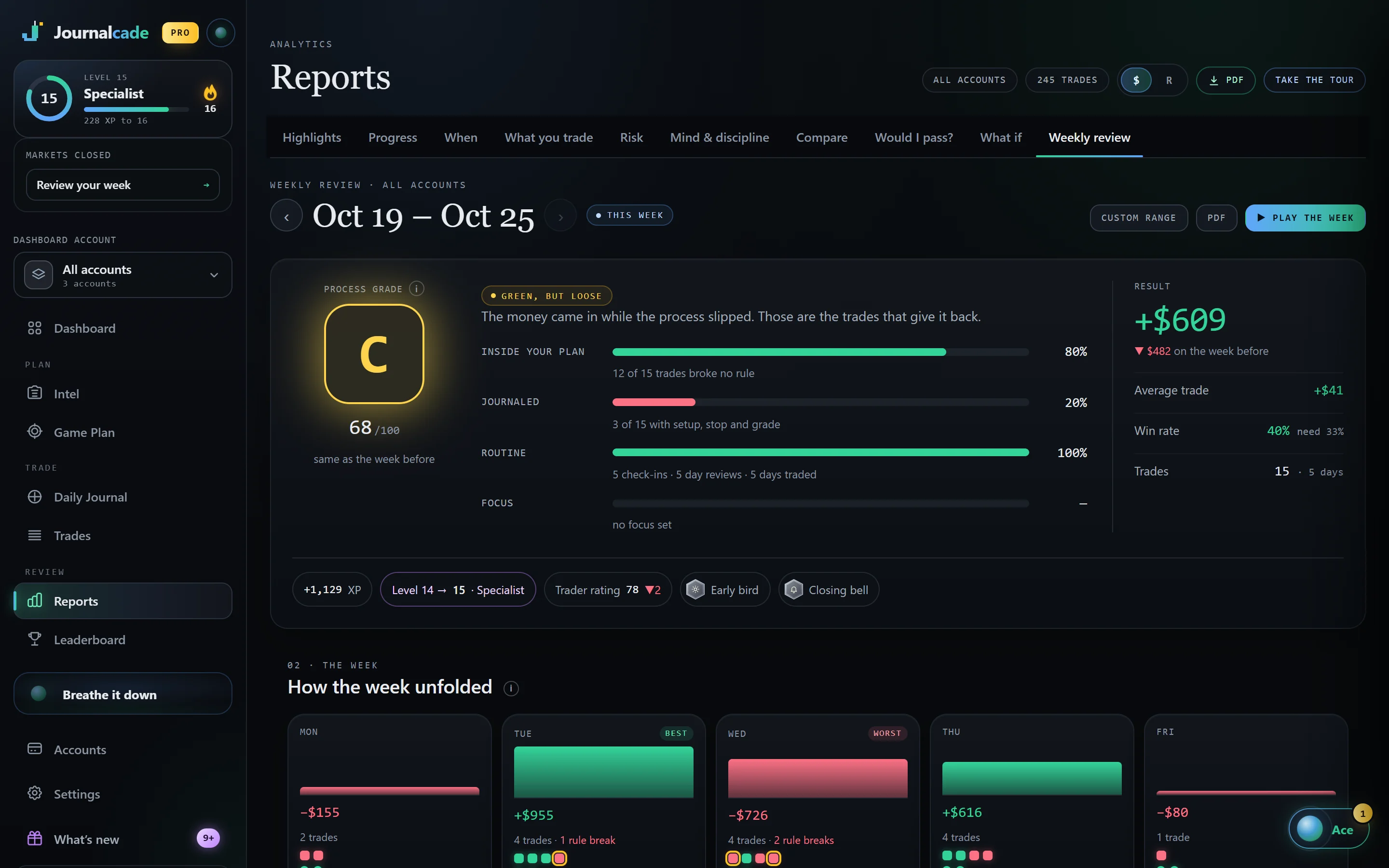
The audit runs the checks the journal runs on every trade. Inside, the Weekly review prices each habit again, every week.
- The same six checks run on every trade you import
- Make your biggest leak the week’s focus and watch it shrink
- A tilt meter that reads each day against your own normal
Questions
Quick answers.
Is my file uploaded anywhere?+
No. Your browser reads it and works everything out on your own computer. Nothing leaves it unless you choose to import the file into Journalcade.
Which files does it read?+
The exports Journalcade’s importer reads: thinkorswim, Interactive Brokers, Webull, MetaTrader 4 and 5, Binance, Coinbase and Kraken by themselves, and any CSV with a symbol, a time and a P&L, like Tradovate, NinjaTrader, TopstepX and Rithmic. See supported brokers.
Why does my P&L differ from my broker’s?+
The audit uses the P&L in your file, less any fees the file lists. If your file leaves out commissions, the audit does too.
What times does it use?+
Your file’s own time zone when it says one. When it doesn’t, pick the zone your platform exports in. Hours are shown in New York time.
What happens when I import it?+
Sign up free and the file waits in this browser for you. Journalcade’s importer opens with it, and the same checks run on every trade from then on.
Is this advice?+
No. It counts what your trades did. What to change is up to you.
Your career starts now
Your Rookie card is waiting.
Free to start. Journal your first trade today and watch the numbers fill in.